

Merge Clips
Combine multiple video segments into one continuous video.
In the Gumlet editor, you merge clips by arranging them side by side on the timeline, then export using Replace Video.
How merging works
There is no separate Merge button. Merging happens in two steps:
- Arrange clips so they play one after another on the timeline (no gaps).
- Replace Video to render the full timeline as a single MP4 and upload it to Gumlet.
The exported file replaces your asset’s original source.
Merge segments from one video (split then join)
Use this when you want to cut out a section and keep the rest, or reorder parts of the same source video.
- Place the playhead where you want to cut.
- Select the clip and press
S(or click the scissors icon) to Split at the playhead.
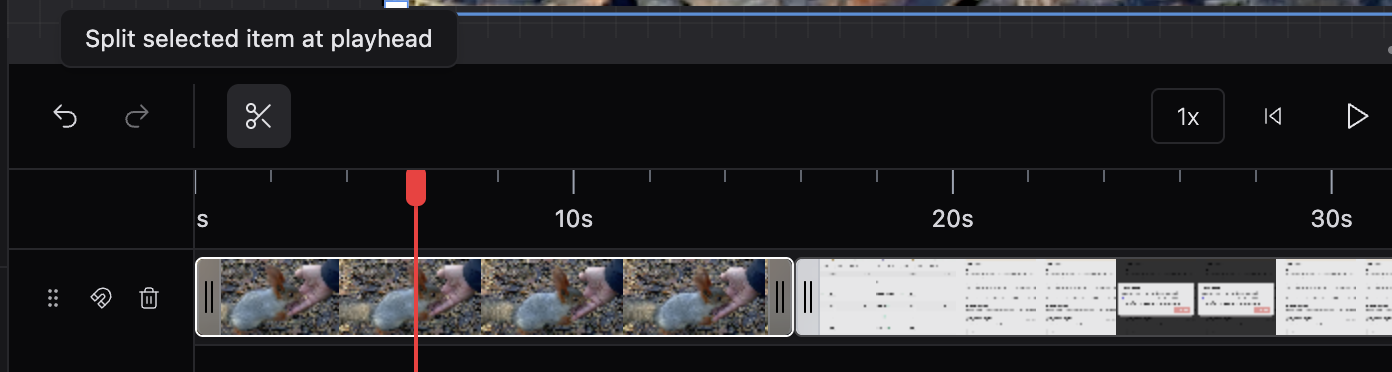
- Repeat to create as many segments as you need.
- Delete unwanted segments (
Backspace). - Drag remaining segments next to each other on the same or adjacent tracks.

Merge clips from different sources
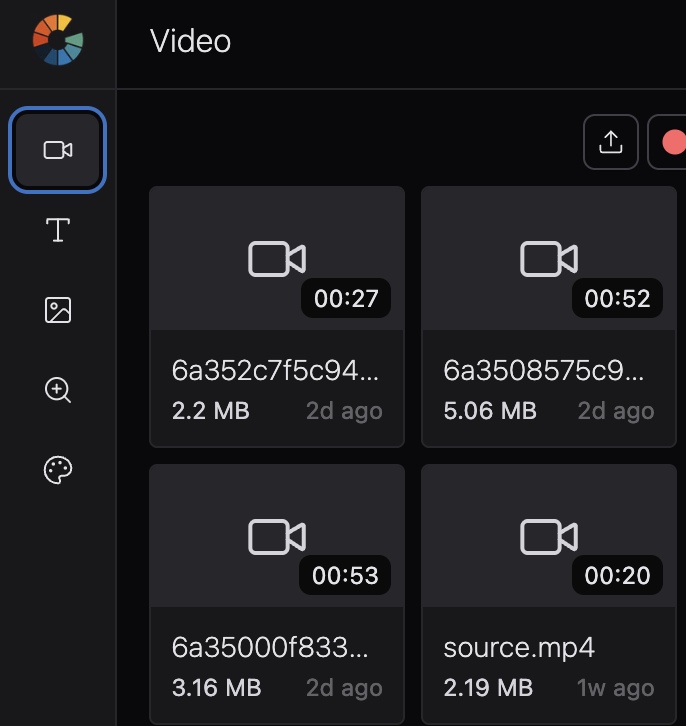
Use this to combine your Gumlet source video with uploaded footage.
- Your Gumlet asset loads on the timeline when you open the editor.
- Open the sidebar Video icon → upload additional videos to My Library.
- Drag each clip onto the timeline.
- Trim clip edges so only the parts you need remain.
- Drag clips into playback order—earlier clips on the left, later clips on the right.

Close gaps with magnetic timeline
Each track has a magnet icon in the track header.
- Enable magnetic timeline — clips snap together; moving one clip closes gaps between neighbors.
- Disable magnetic timeline — clips can have empty space between them.

Layer clips instead of merging end-to-end
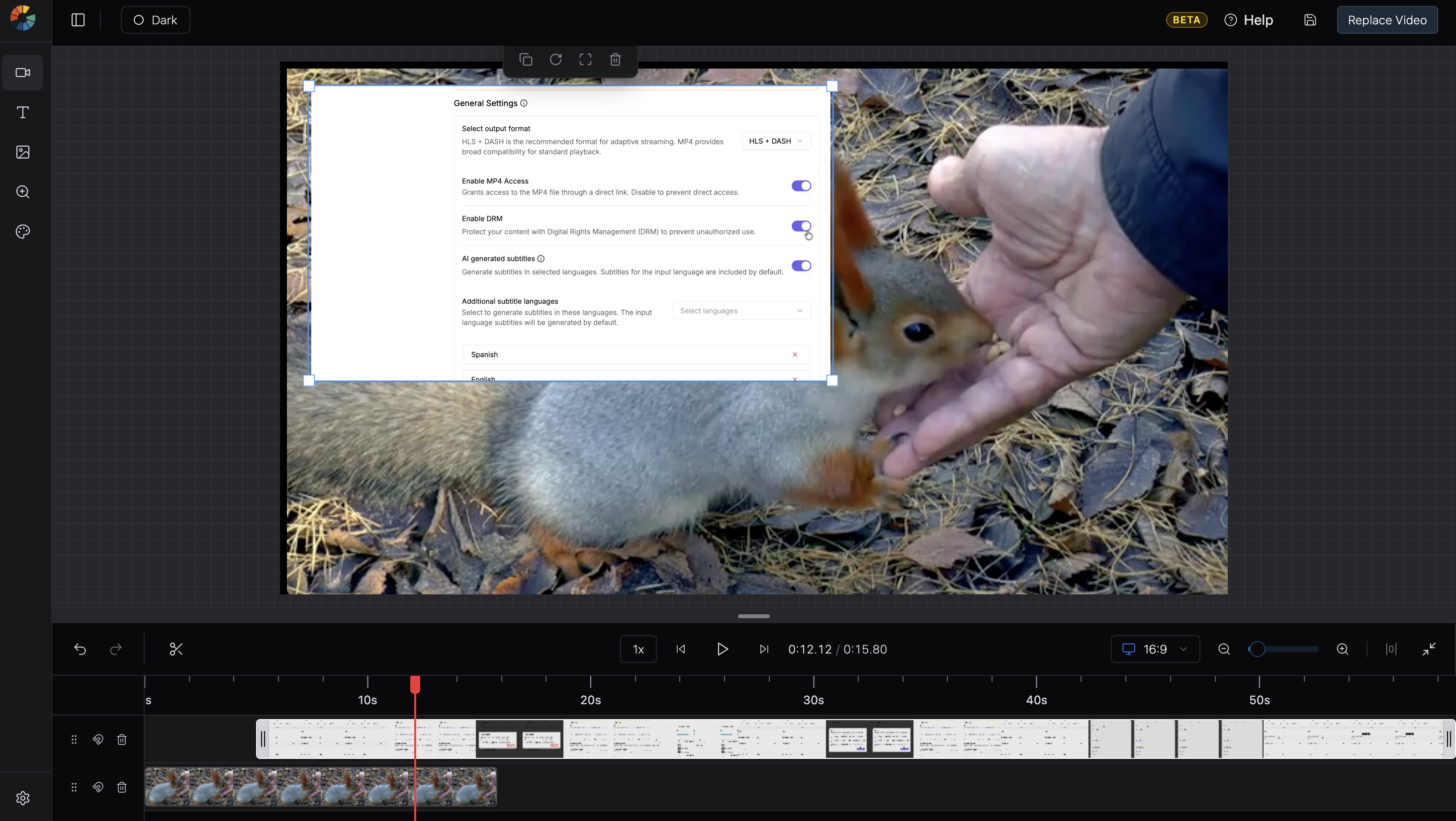
To play two clips at the same time (picture-in-picture, overlay), place them on different tracks so they overlap in time. This is layering, not merging.
Publish your merged video
- Preview the full timeline with Space (play/pause).
- Click Replace Video in the header.
- Confirm - this overwrites the asset’s original source on Gumlet.
- Wait for render and upload to finish. Keep the tab open.
Updated 2 months ago
Did this page help you?