Record from Dashboard
Record your content from Gumlet Dashboard
Recording your videos on Gumlet is the easiest way to create content. We record your screen, camera, and speech to produce a video that you can embed.
Record videos
Initiate Recording
Click Upload Video on the dashboard, then click Record Screen.
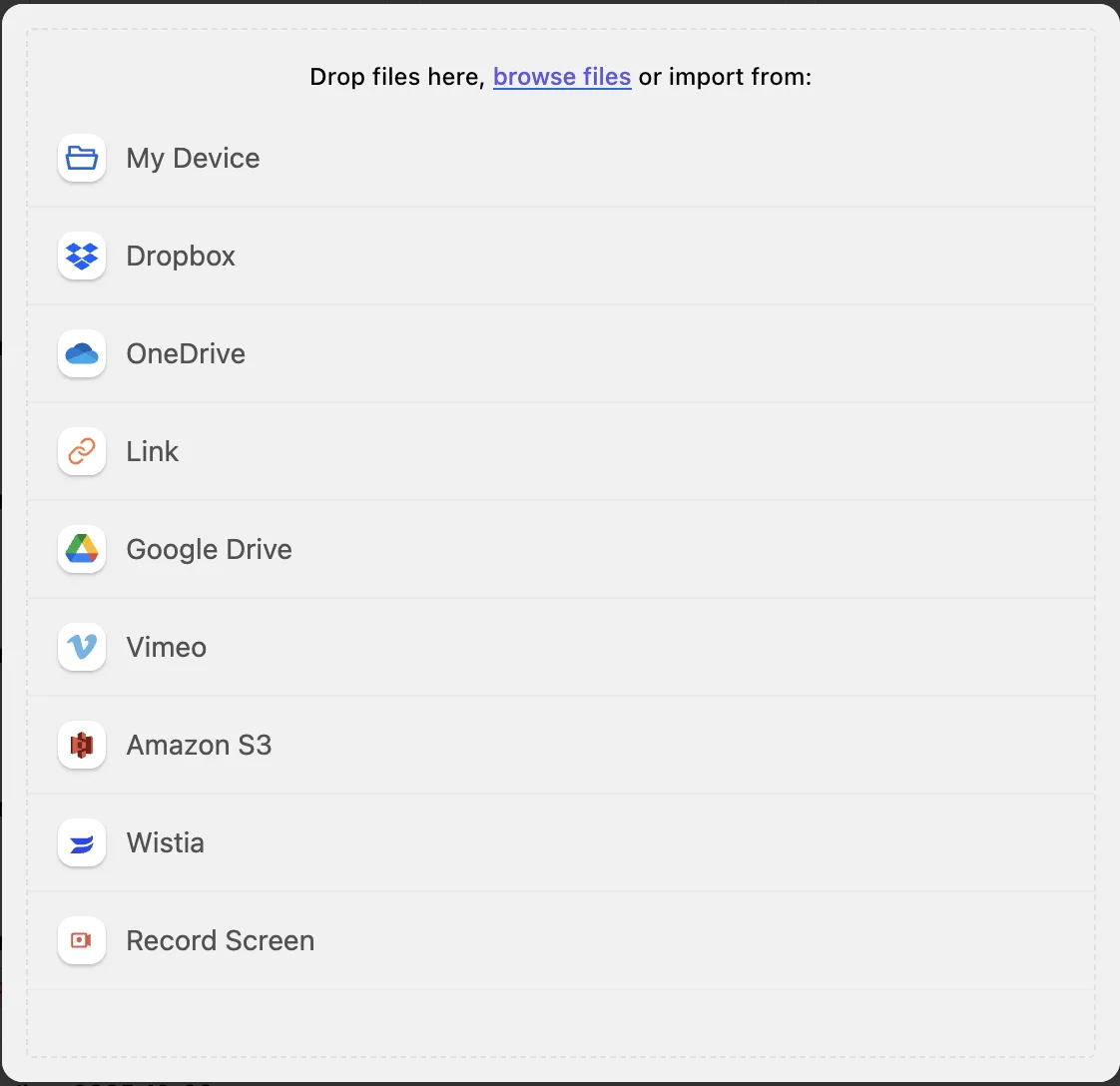
Note: The maximum recording limit is two hours, i.e. 120 minutes.
Grant mic and camera access
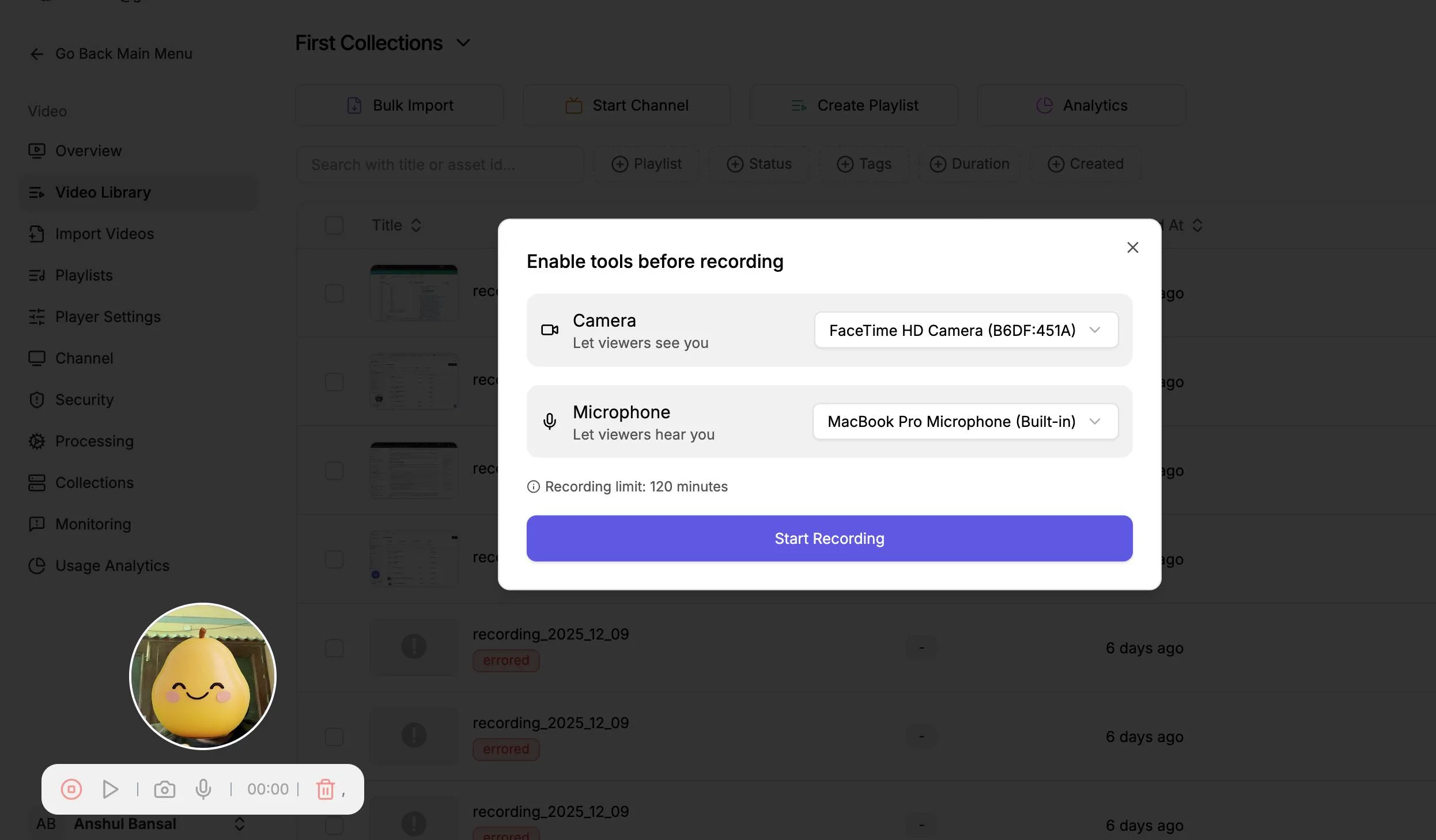
Note: You can choose which camera and microphone to use if you have multiple
Position the recording widget
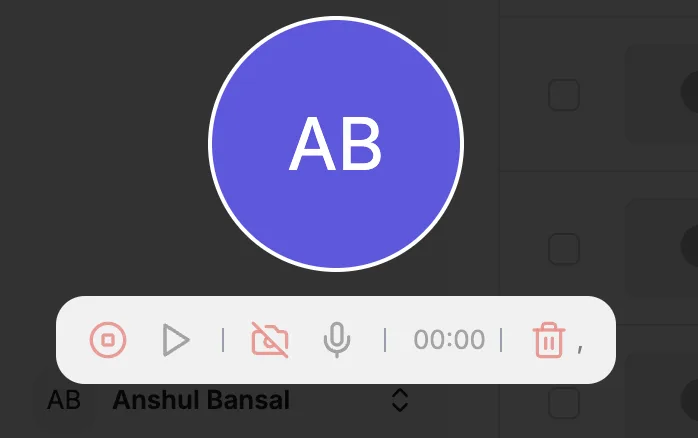
Start Recording
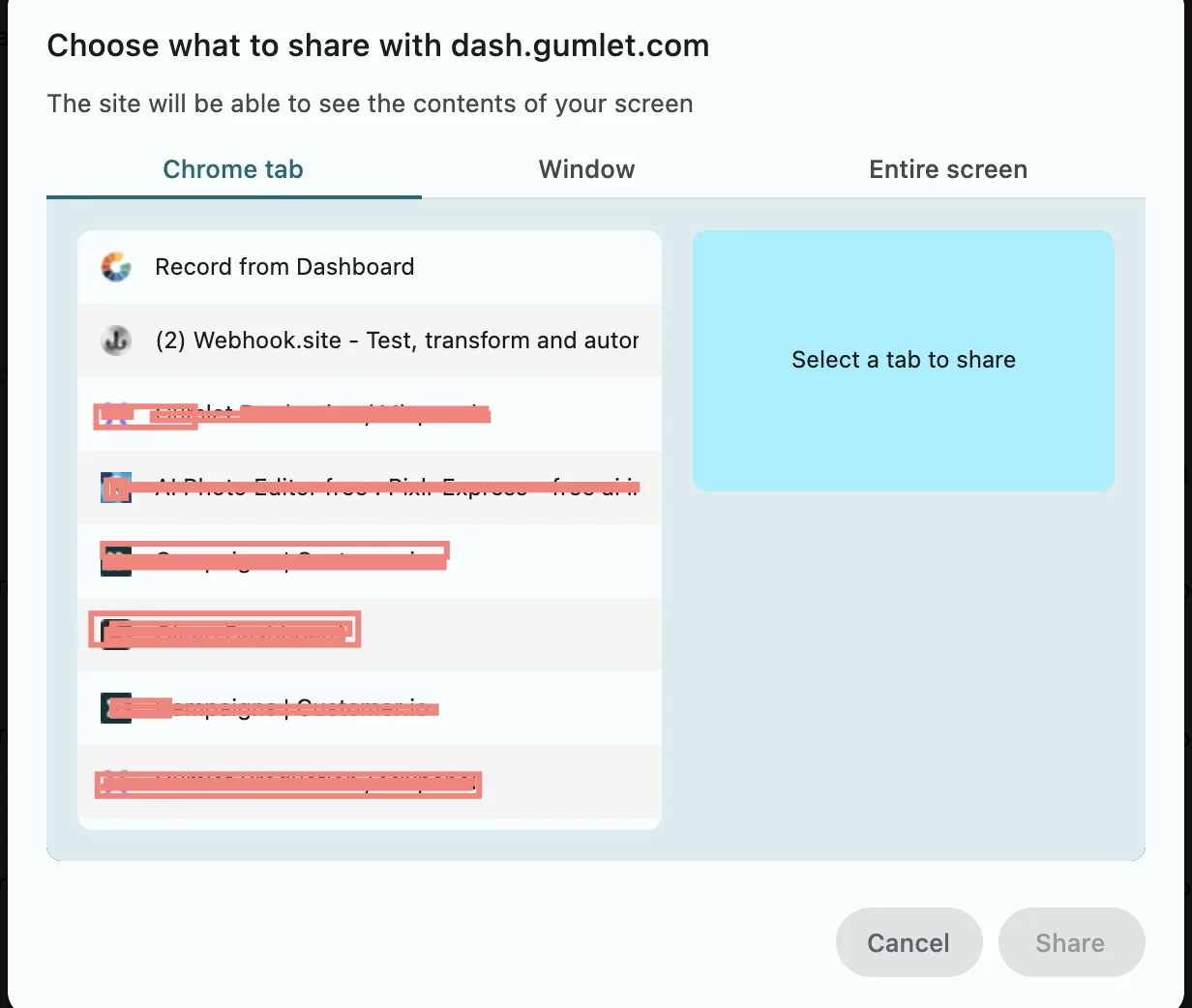
Please give the prompt screen-sharing access. You can choose a tab, a window, or full screen.
Stop and review
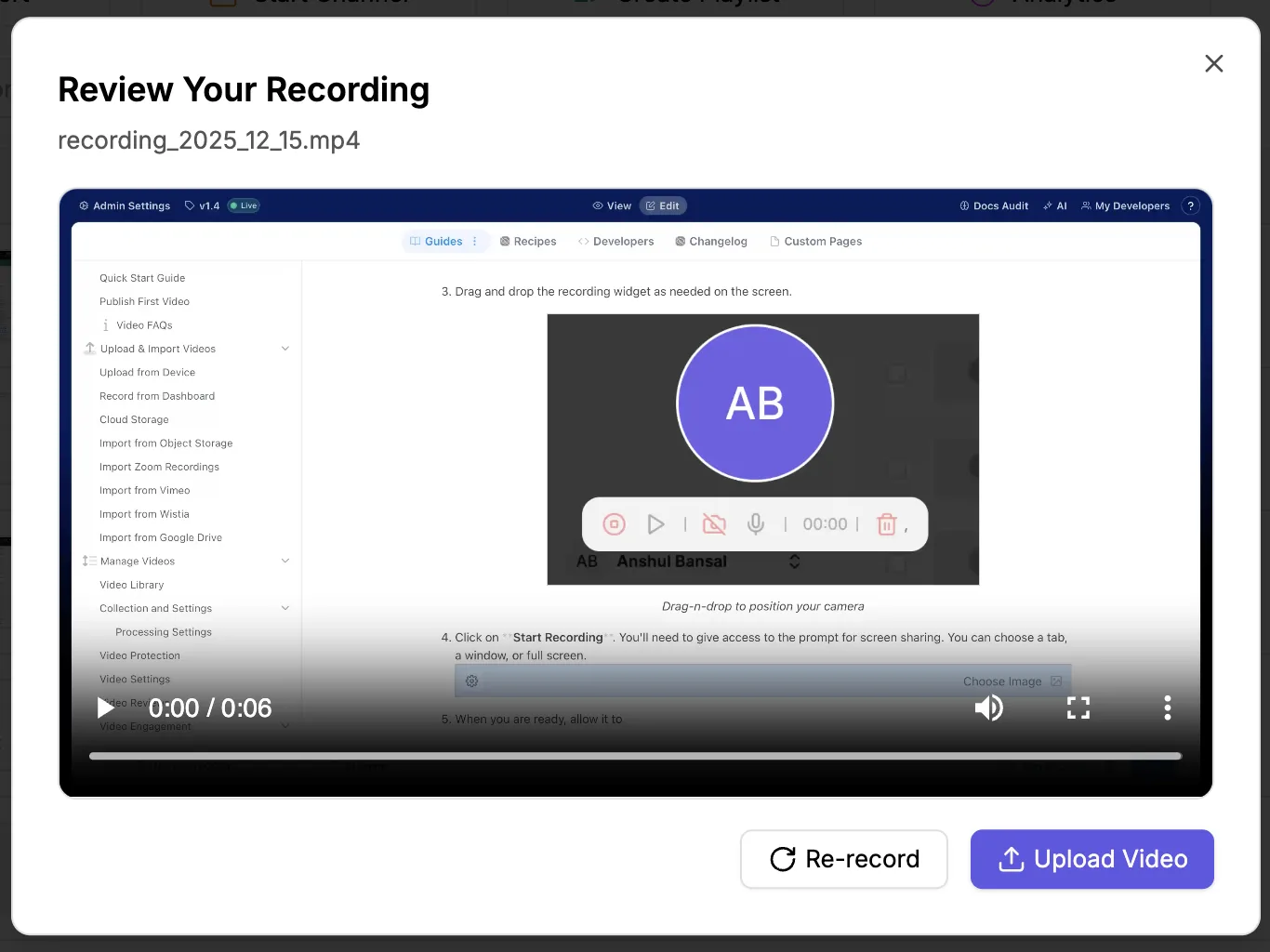
When you are done, you can stop the recording from the widget. Review the recording before uploading to Gumlet.
Upload Video
Upload the video or Re-record if you didn't like the current version.
The Gumlet recorder doesn't work on mobile devices. You can only record in a desktop browser.