

Embed Videos on Bubble
Learn how to embed Gumlet videos in your Bubble.io using the Gumlet Video plugin available on the Bubble marketplace.
Embed Gumlet videos on Bubble by installing the Gumlet Video plugin, adding it to your page, and configuring it with your Gumlet video asset ID.
Steps to Embed
-
Install the Gumlet Video plugin from the Bubble marketplace.
-
Open your Bubble app editor and add the Gumlet Video plugin element to the page where you want to display the video.
-
Go to your Gumlet video library and copy the video Asset ID for the video you want to embed.
-
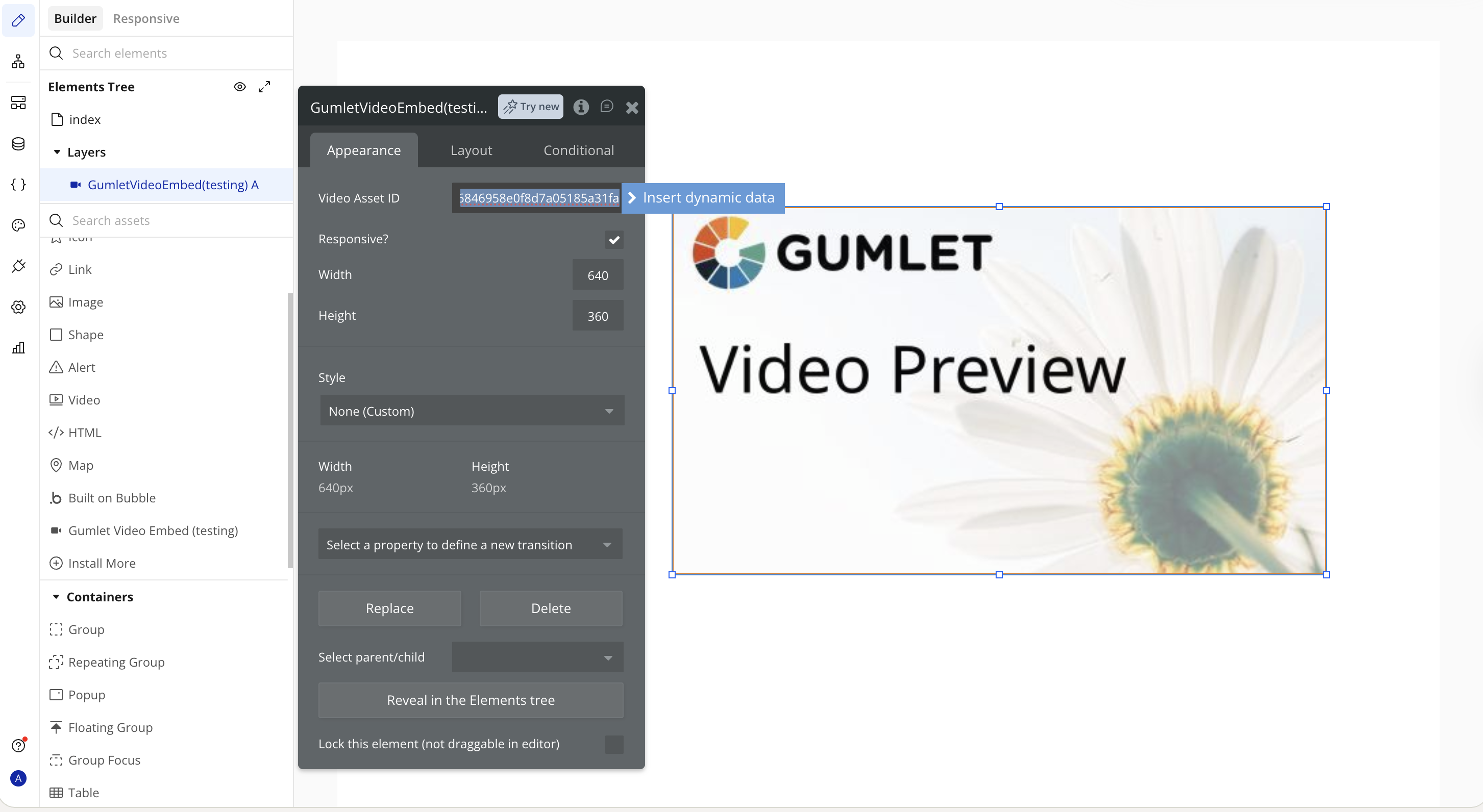
In Bubble, select the Gumlet Video element and paste the Asset ID into the plugin field or property for the video.
-
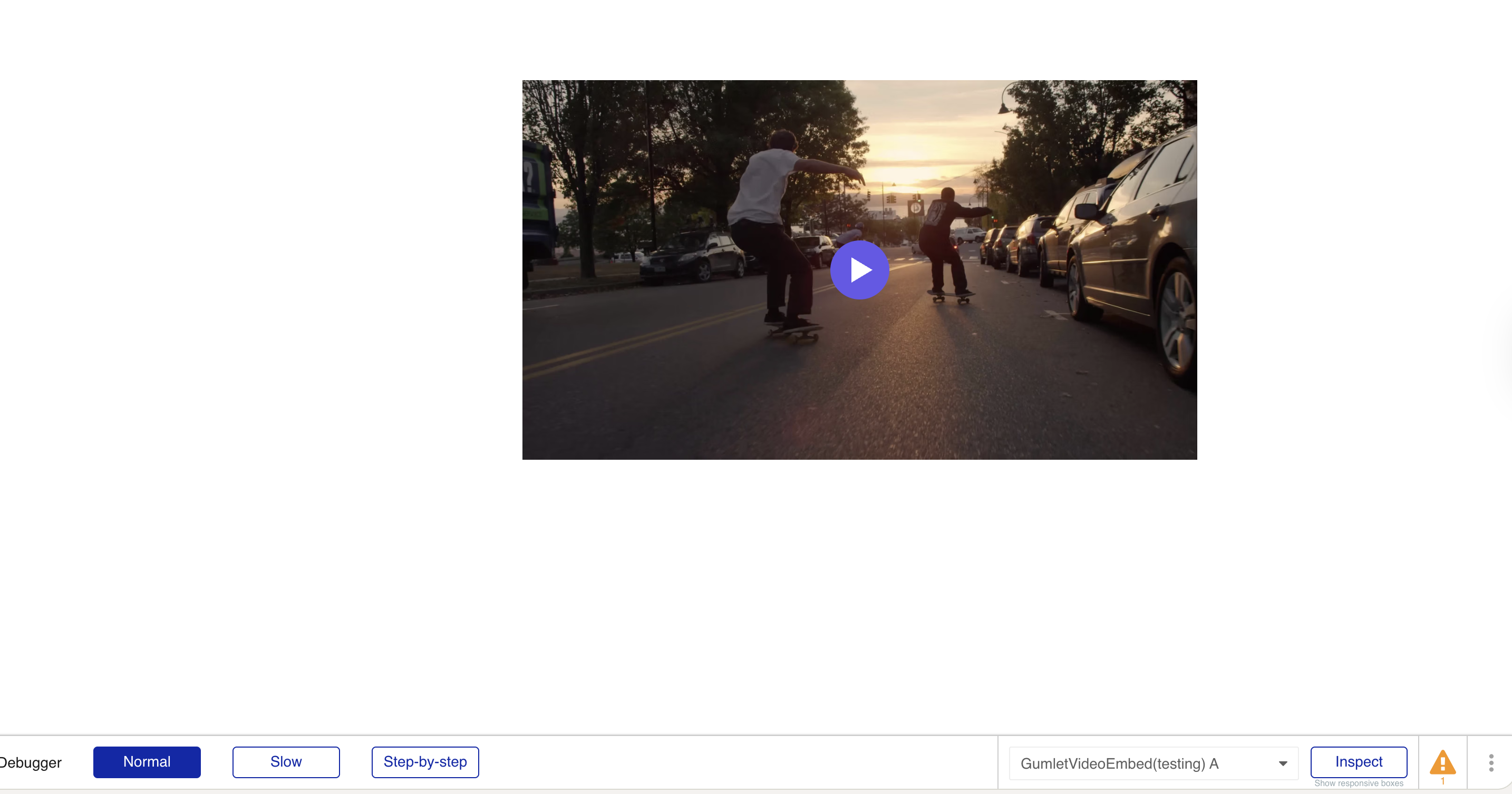
Preview or publish your Bubble app. The Gumlet video will appear on the page.
Updated 3 months ago
Did this page help you?