Authorized Apps
Review apps that can access your Gumlet account, and revoke access when you no longer want an app connected.
Open Authorized Apps from the user menu in the dashboard.
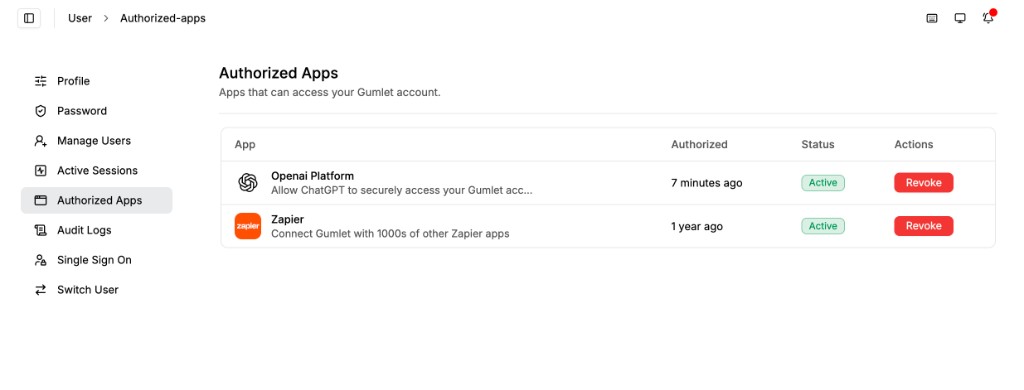
Connected apps
Each row is an app you have authorized. The page lists apps that can access your Gumlet account.
| Column | What it shows |
|---|---|
| App | App name and a short description of the access it requested. |
| Authorized | When you granted access. |
| Status | Whether the connection is Active. |
| Actions | Revoke removes that app's access. |
Apps that show up here include integrations such as Zapier and the OpenAI Platform, which lets ChatGPT access your Gumlet account.
Revoke access
- Go to Authorized Apps.
- Find the app in the list.
- Click Revoke.
Revoking an app invalidates the access tokens and refresh tokens it holds for your account. To let that app access Gumlet again, authorize it from the app.
API keys you create in the dashboard are managed on the API keys page.

