Image AI Operations
Enhance, outpaint, remove backgrounds, and add dynamic shadows to images using AI-powered operations.
Smart & AI-Based Cropping
Gumlet offers AI-powered cropping modes under the crop parameter that automatically detects subject matter, human faces, or high-detail regions to ensure the most important parts of your image remain centered when resizing.
| Mode | Parameter Example | Description |
|---|---|---|
| Smart Crop | mode=crop&crop=smart | Automatically identifies people, key objects, and areas of interest using skin tones and luminance frequency to keep them centered. |
| Face Detection | mode=crop&crop=faces | Detects human faces in the image and centers the crop boundary around them. |
| mode=crop&crop=faces | original |
|---|---|

| 
|
For standard positional cropping modes (such as top, center, and focalpoint), explore the full set of parameters in the Size documentation.
upscale
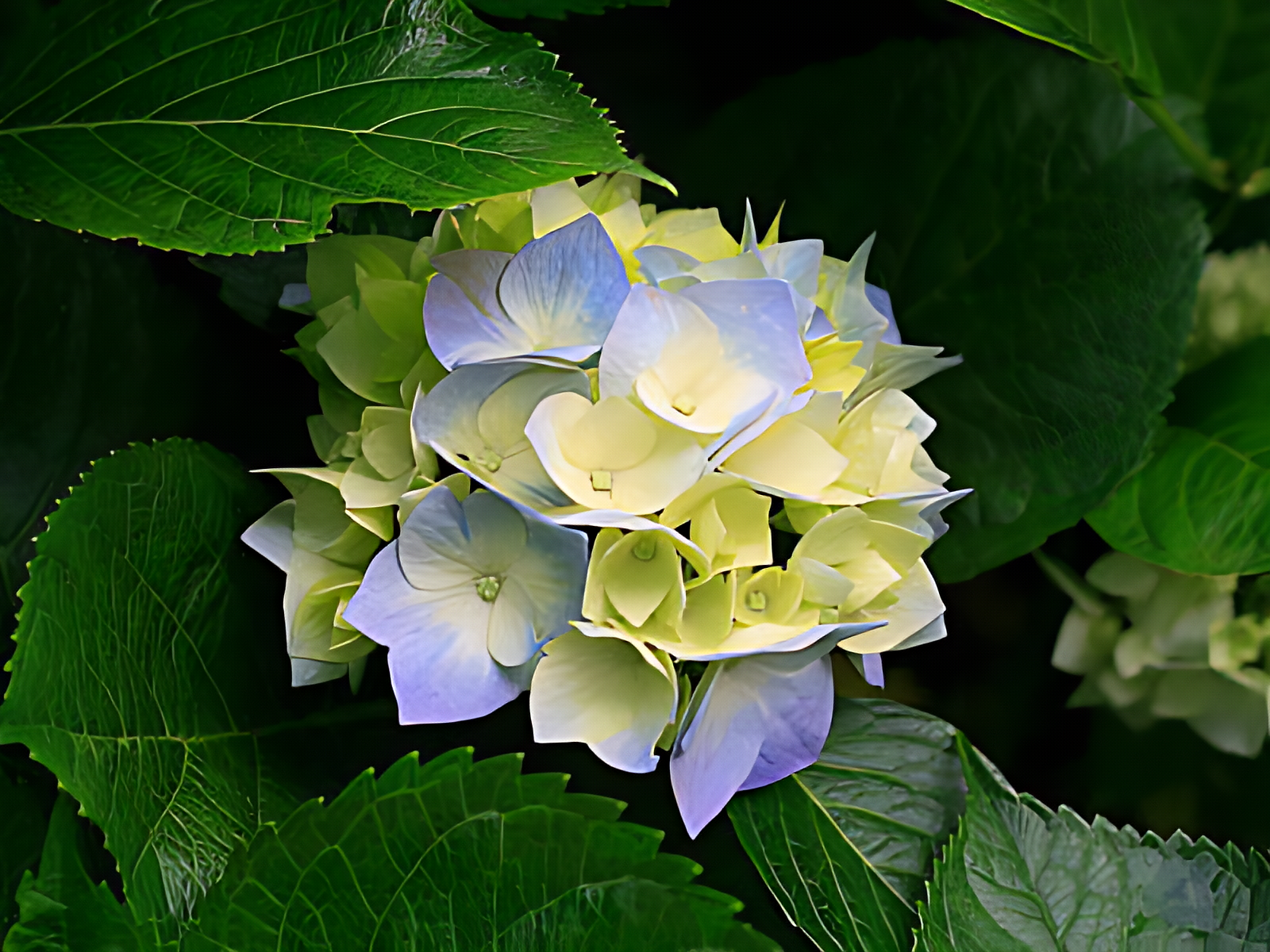
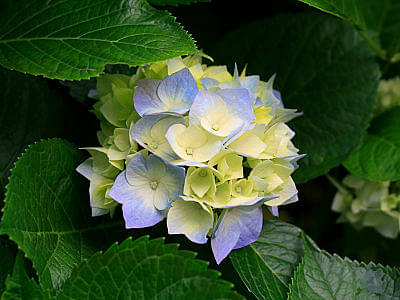
Gumlet uses AI-powered super-resolution to enhance image quality and remove artifacts, upscaling images under 512x512 pixels up to 4x.
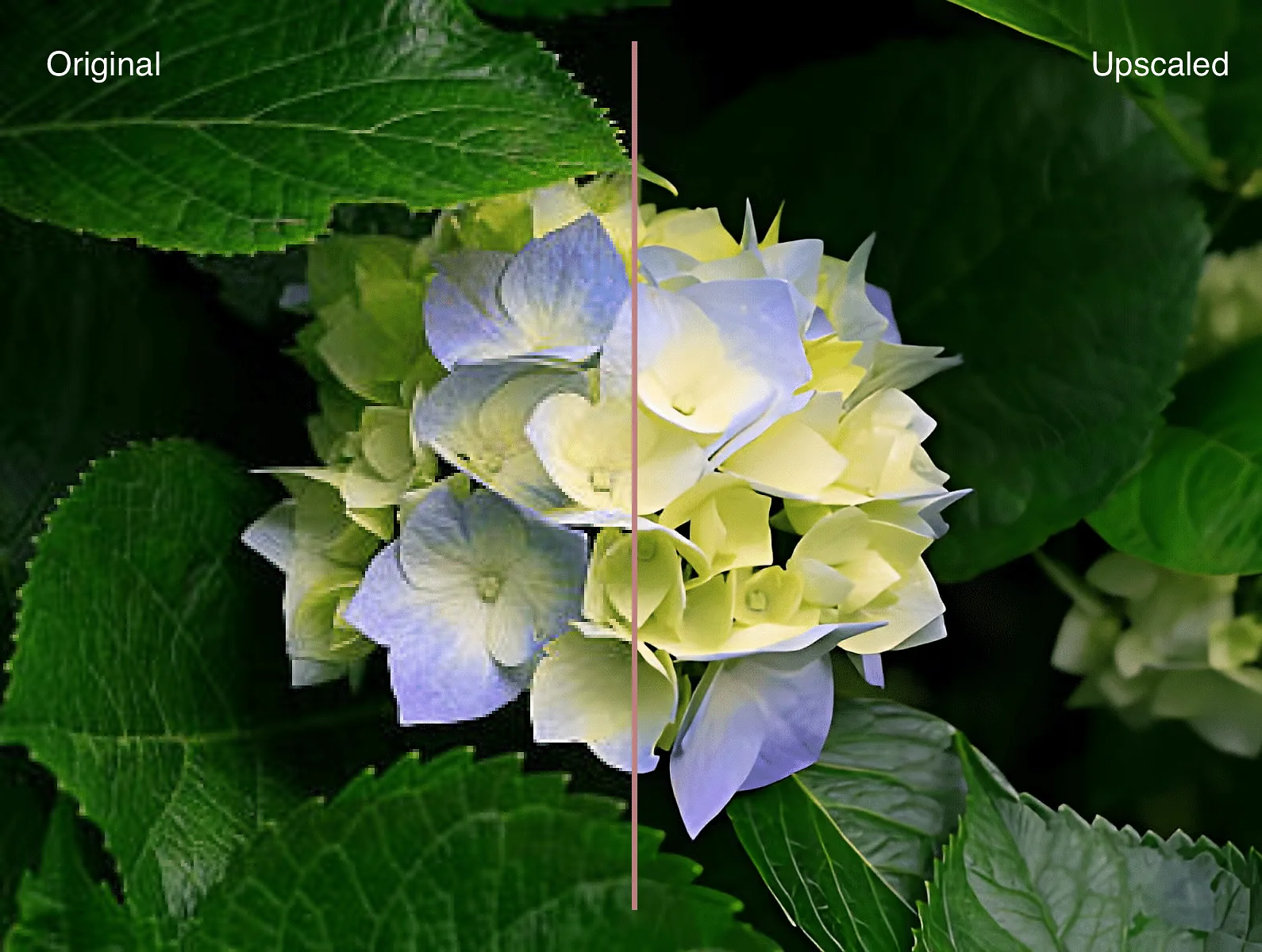
| upscale=true | original |
|---|---|
| 
|
The operations below are only available to enterprise plan users.
remove_bg
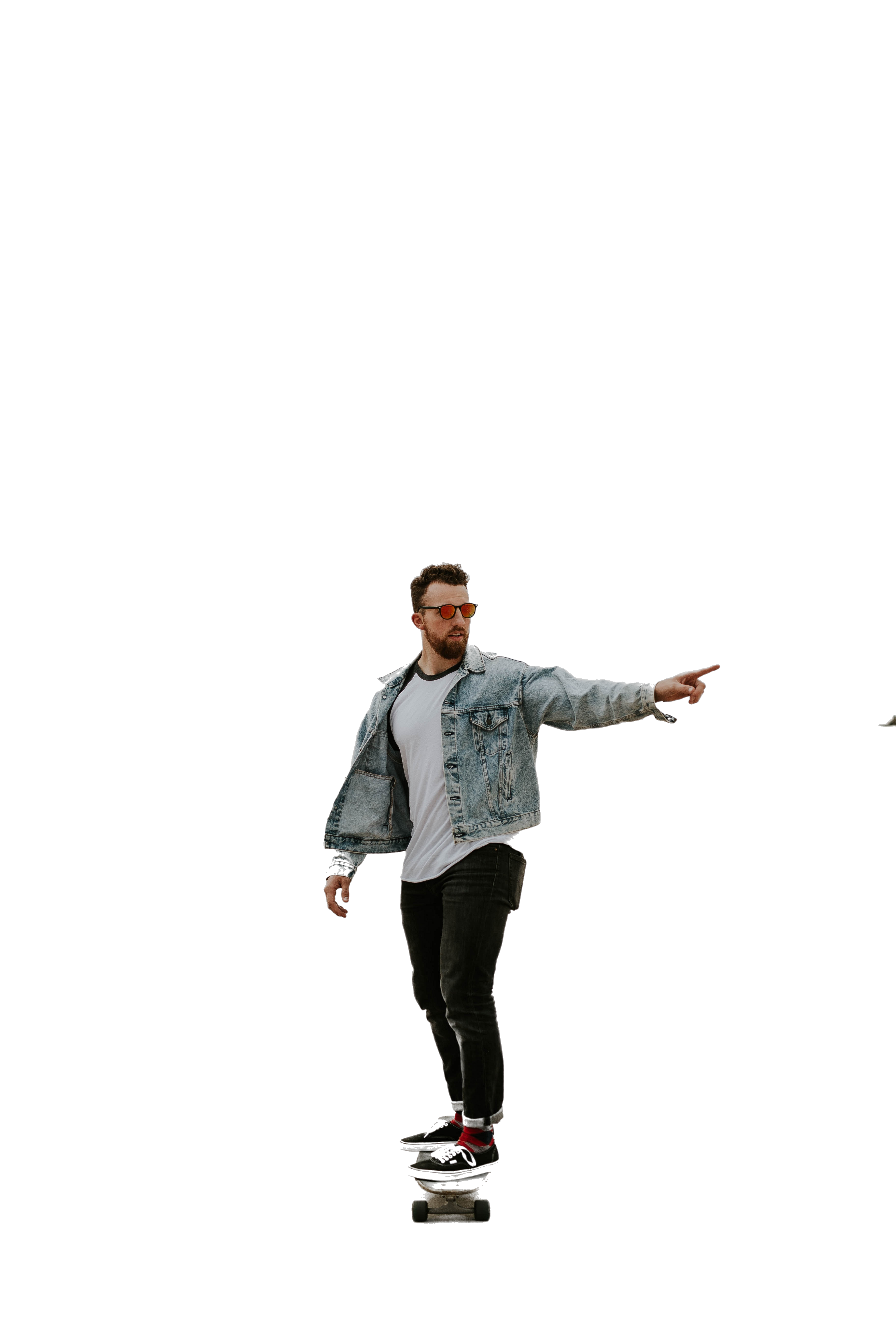
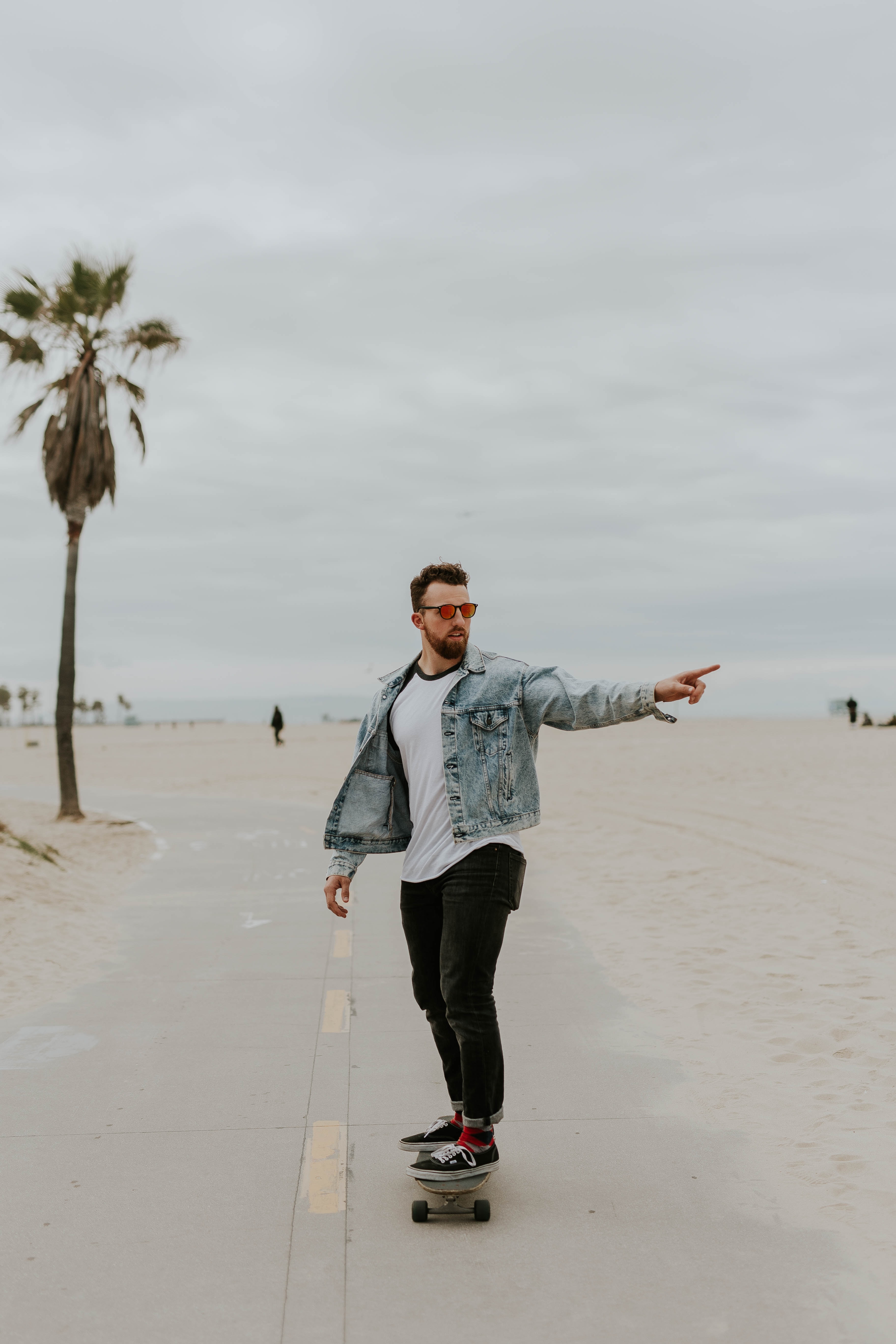
Gumlet uses AI to remove the background from a given image and replace it with transparent pixels.
| remove_bg=true | original |
|---|---|
| 
|
add_shadow
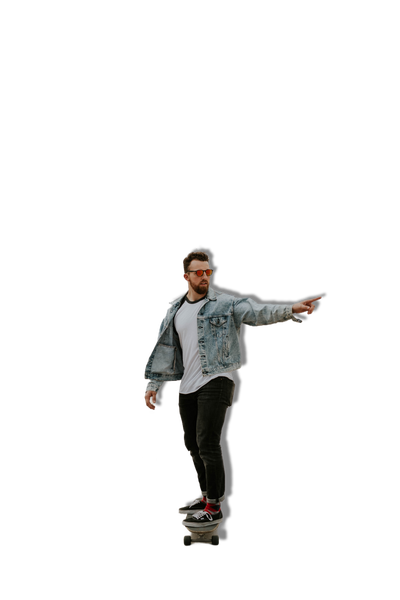
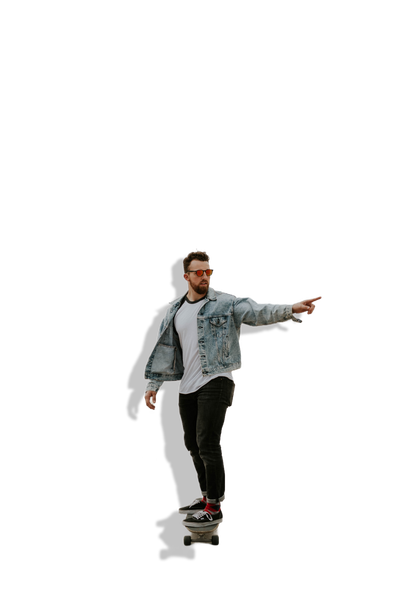
Add a drop shadow around an object using add_shadow=true. You can control the direction, elevation, and saturation of the light source.
-
az(Azimuth): This represents the angle of the light source. A value of 0 or 360 indicates the light is directly behind the object. The default value is 215, which creates a natural shadow effect. -
el(Elevation): This refers to the elevation angle of the light source above the ground. The default value is 45. Lowering this value results in a larger, more diffuse shadow. -
st(Saturation): This controls the intensity of the shadow. Higher values produce a more intense or darker shadow. The default value for the st parameter is 60.Normal Image
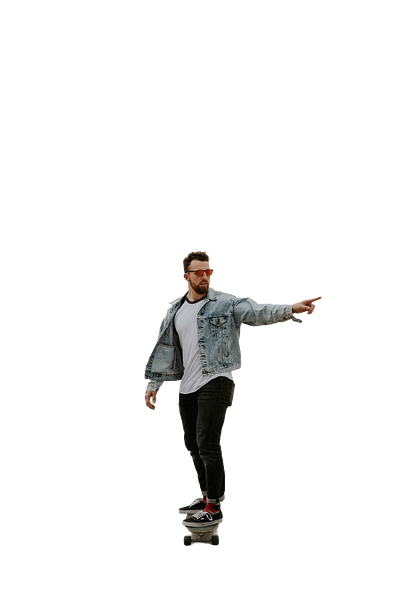
Shadow
Custom Shadow
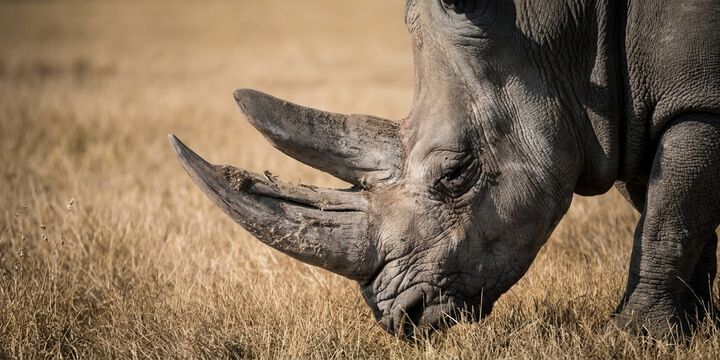
extend_bg
Gumlet uses AI to extend the image and outpaint the background to match your target width and height, generating seamless content that blends with the original scene.
| extend_bg=true&width=720&height=360 | original |
|---|---|
| 
|
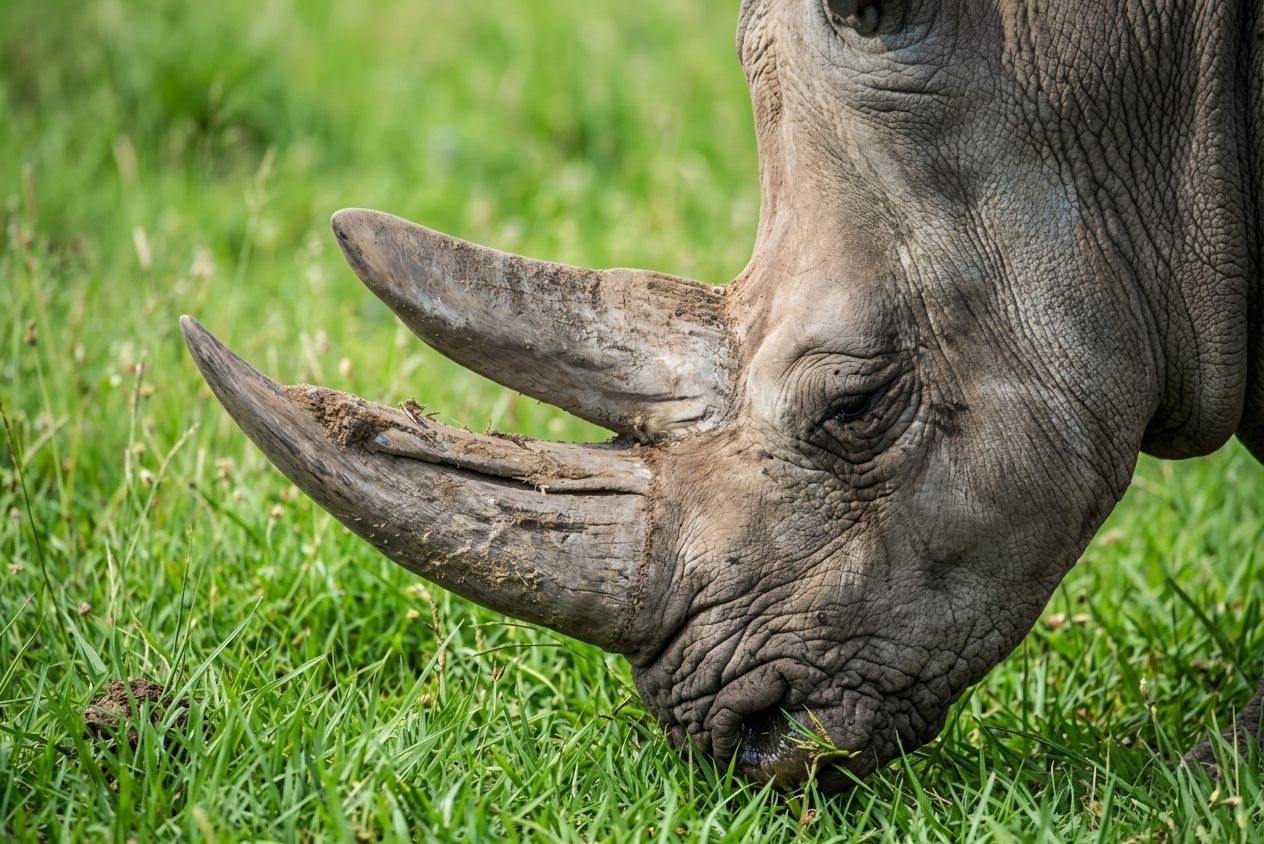
change_bg
Gumlet uses AI to replace the image background, generating seamless content that blends with the original scene.
| change_bg=true&prompt=eating%20green%20grass | original |
|---|---|
|
|
Summary of Image AI Operations
| Operation | Parameters | Action | Plan |
|---|---|---|---|
crop | mode=cropcrop=smartcrop=faces | Uses AI to automatically center crops on key subjects, human faces. | Paid |
upscale | upscale=true | Upscales images under 512x512 px up to 4x, enhancing quality and removing artifacts using AI. | Paid |
remove_bg | remove_bg=true | Uses AI to remove the background and replace it with transparent pixels. | Enterprise |
add_shadow | add_shadow=trueaz (Azimuth, default 215)el (Elevation, default 45)st (Saturation, default 60) | Adds a drop shadow around an object with customizable light source angle, elevation, and intensity. | Enterprise |
extend_bg | extend_bg=truewidthheight | Extends and outpaints the background using AI to match target dimensions while seamlessly blending with the scene. | Enterprise |
change_bg | change_bg=trueprompt | Replace the background using AI with a prompt without breaking a sweat. | Enterprise |

